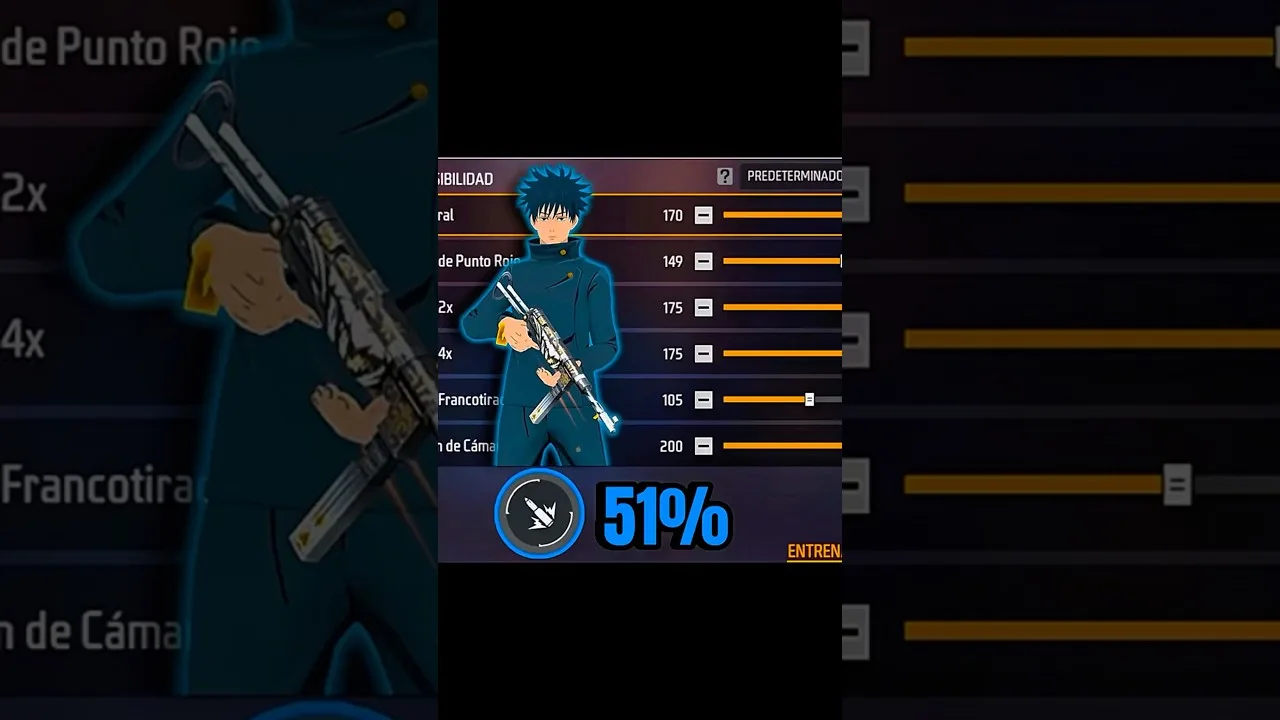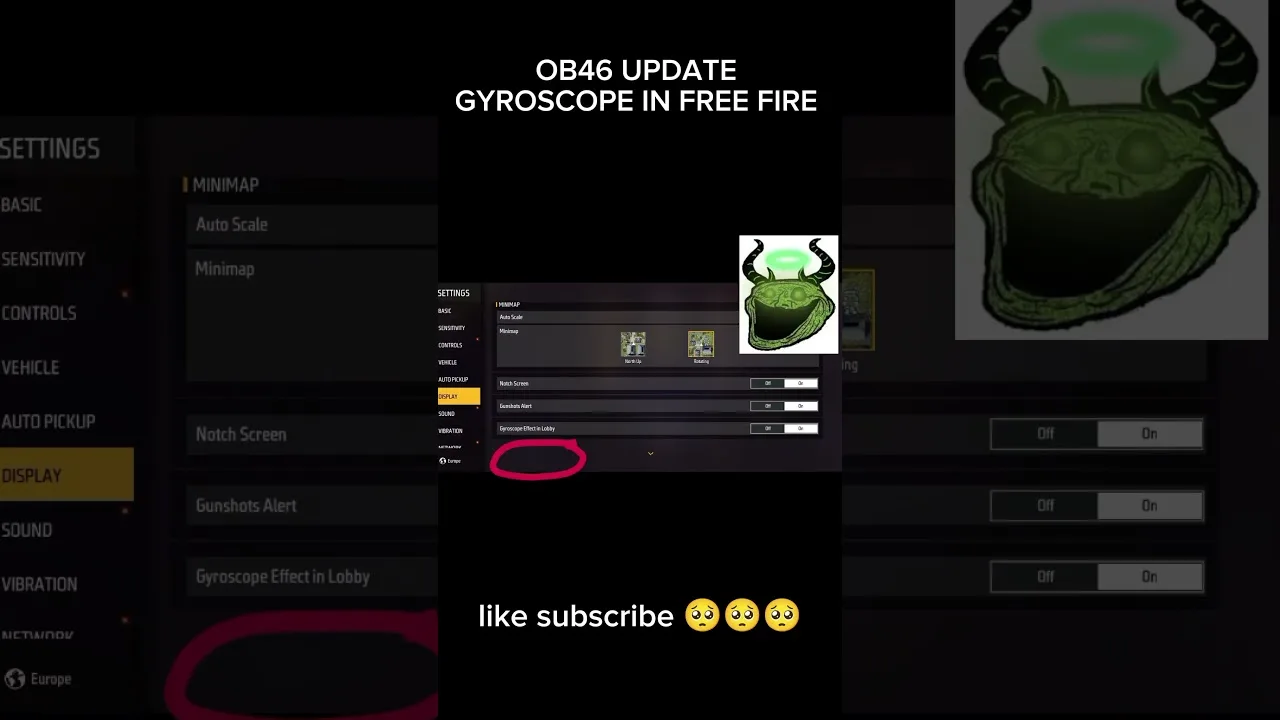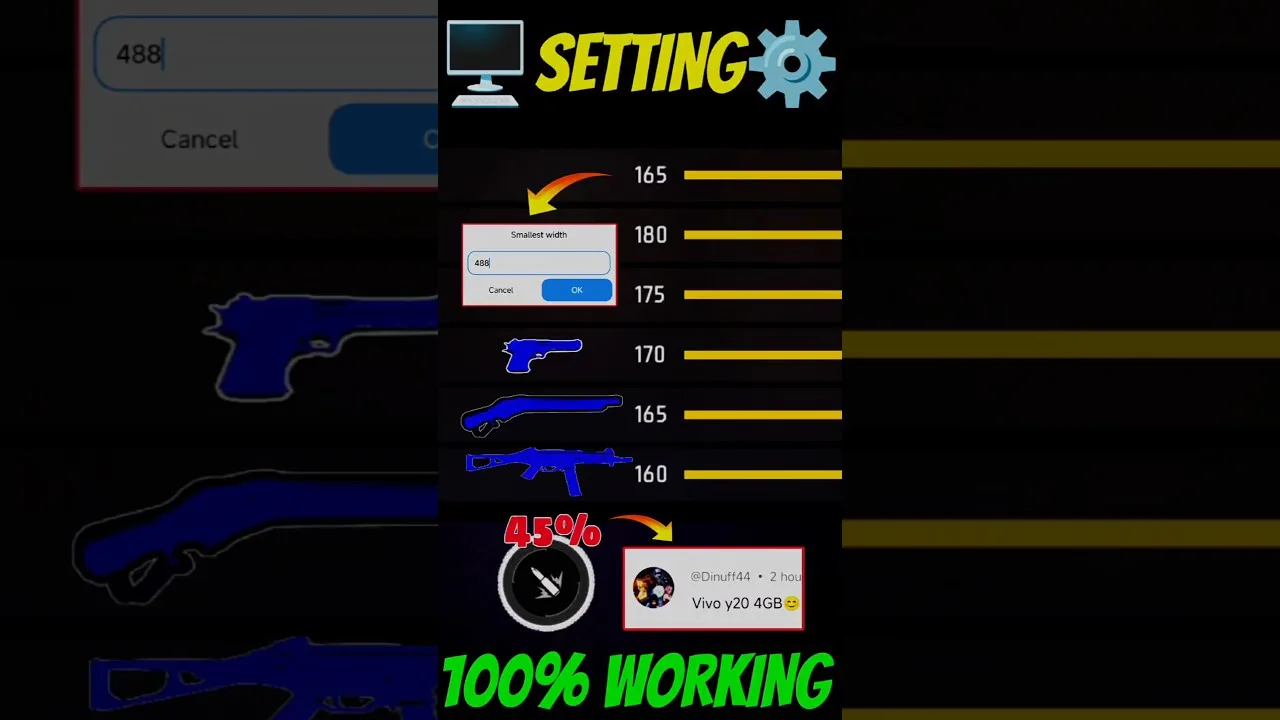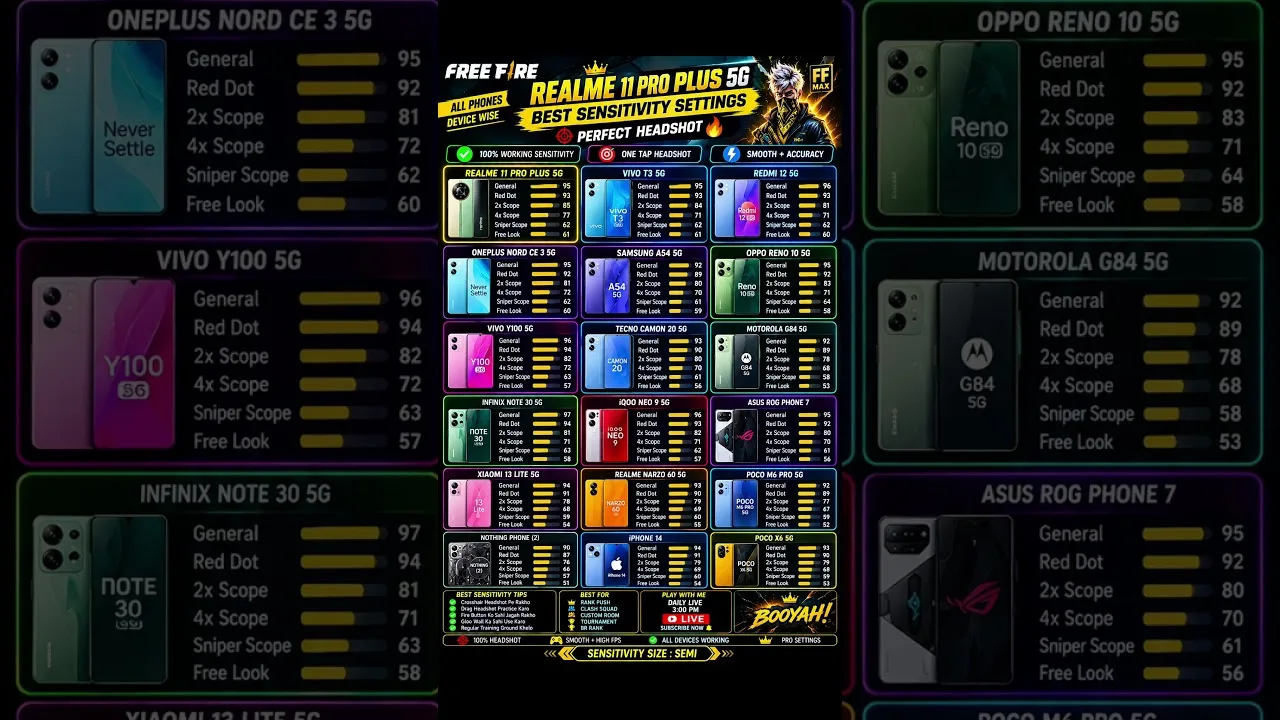
Updating Sensibilidades keeps the app's sensitivity references, device guidance and sections aligned with current Free Fire versions and newer Android releases. An update done carelessly, though, can leave you unsure whether your saved values and preferences survived, which is why a short preparation routine matters before you install anything.
Begin by noting your current app version and recording the sensitivity values you rely on, using the method in backup and share your sensitivity values guide. Then get the update through Sensibilidades application for Android, so the file you install is the current build for your device rather than an old copy passed between phones.
Check Your Current Version First
Open the app and find its version information, usually on an about or settings screen, and write it down with the date. Knowing where you started makes it possible to tell whether an update actually installed, and it helps you describe any problem precisely if something behaves differently afterwards.
While you are there, screenshot or write out your key sensitivity values, DPI pairing and any in-app preferences you changed. Most updates preserve settings, but preparation costs two minutes and removes all doubt. Players who skip this step are the ones posting in a panic after an update, unsure what their old numbers ever were.
Install the Update Cleanly
If you installed the app originally by following the how to install Sensibilidades on Android guide, updating follows the same basic path: download the new file, allow the install from your browser or file manager if Android asks, and let it install over the existing app so your data carries across. Installing over the top is the normal update route; deleting first is unnecessary and risks losing local preferences.
Keep a stable connection during the download and enough free storage for the file plus working space. A corrupted or partial download is the most common cause of a failed update, and it is prevented by patience rather than technique: wait for the download to finish fully before opening the file, and do not switch networks halfway through.
Verify Settings After Updating
After the update installs, open the app and compare its sections and your saved values against the record you made before starting. Check that the sensitivity references you use are present, that any device guidance still matches your phone, and that the app opens its main sections without errors or missing pages.
Then load Free Fire and run one short training session with your recorded values before playing ranked. Updates occasionally coincide with game patches that change feel slightly, and a calm verification session separates app changes from game changes, so you adjust only what actually moved and leave the rest of your setup untouched.
If Something Goes Wrong
If the updated app will not open, restart the phone first; a surprising share of post-update problems are stale system states rather than broken installs. If it still fails, reinstall the current file cleanly over the top once more, then check storage space and Android version compatibility before assuming the build itself is at fault.
Never respond to an update problem by deleting everything in frustration. Your recorded values make even a full clean reinstall a minor event: install fresh, re-enter your numbers from the record, and you are back to a known setup within minutes instead of starting your sensitivity work from zero again.
Putting This Into Practice
Set aside one short session devoted only to a calm update routine that protects your setup. Do not chase wins during this session and do not judge the setup by the scoreboard at the end of it. Your only task is to repeat the same movements until they feel ordinary: record first, install over the top, then verify before any ranked match. When a movement starts to feel ordinary, that is useful information, because ordinary means your hands have stopped negotiating with the setting and have started trusting it. Write down what felt easier and what still felt awkward while the session is fresh, using plain words you will understand when you read the note again next week.
Next, carry the same focus into two or three normal matches without changing anything, even if the first match goes badly. A setup for a calm update routine that protects your setup has to survive different maps, different weapons and the small panic that arrives when a fight starts closer than expected. If it only works in a quiet training room, it is not finished yet, and the honest response is one small adjustment followed by the same test again, not a full rebuild. If it works across those matches, protect it: record the values, leave them alone for several days, and let repetition turn a good test result into dependable muscle memory you can rely on under pressure.
Finally, review the result at the end of the week rather than at the end of a single evening. Ask one simple question: did a calm update routine that protects your setup feel more predictable than it did seven days ago? Predictable is the right standard, because competitive aim is built on movements you can repeat when tired, rushed or surprised. If the answer is yes, keep the setup and move your attention to the next weakest part of your game. If the answer is no, change the one value most closely connected to the problem, by the smallest step you can feel, and repeat the weekly cycle with the same patience.
Final Thoughts
Updating Sensibilidades is simple when it is treated as a small routine: record, install over the top, verify, and test once in training. That routine keeps improvements flowing in without ever putting your proven sensitivity setup at risk.
Make it a habit after every release and updates become background maintenance, not events you dread or postpone until small problems grow into big ones.