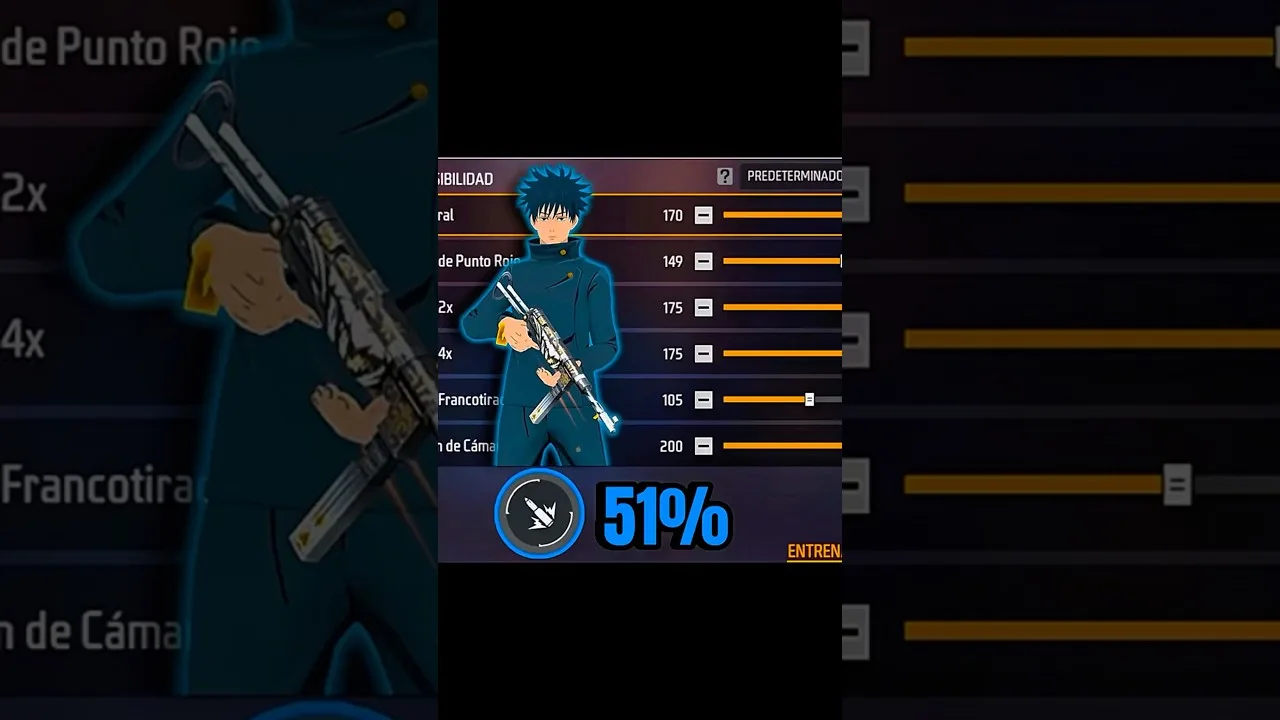
General sensitivity is the master speed that controls how fast your view turns when you swipe without aiming down sights. In Free Fire it shapes almost everything else, because camera movement, close-range tracking and quick turns all start from this one value, and a base that is too fast or too slow will make every other slider harder to judge.
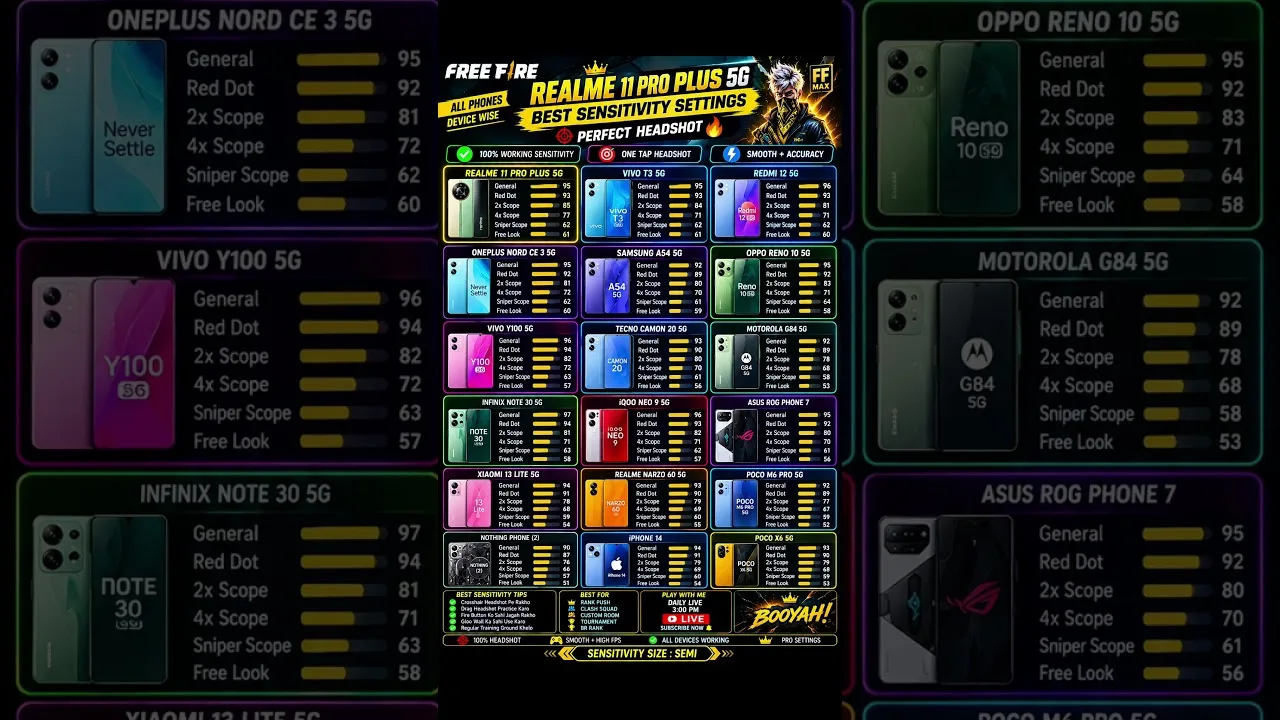
A good starting point is to open Sensibilidades for Android and compare the suggested general values with what you currently use. Note your current numbers first, then change only the general slider by a small step. Players who use Sensibilidades features guide first usually understand which sections of the app influence this value and which ones deal with scoped aim instead.
What the General Slider Actually Controls
When you swipe across the screen to check a corner, loot a building or turn toward footsteps behind you, general sensitivity decides how far that swipe rotates your character. A higher value means a shorter swipe completes a full turn, which helps in close fights but can make small corrections jump past a target. A lower value gives finer control, though turning quickly then needs a longer, slower swipe.
This is why general sensitivity feels different on every phone. Screen size, touch sampling and how much of the display your thumb covers all change the result. Copying a number without testing the turn speed on your own device rarely works, even when the copied setup comes from a skilled player on similar hardware.
Finding a Balanced Starting Range
Start in the middle of the range the app suggests for your device class, then run a simple test: stand in training, swipe once with your normal thumb speed, and see whether you turn roughly half a circle. If you overshoot doorways and spin past targets, drop the value a little. If you cannot turn fast enough when an opponent rushes you, raise it in small steps.
Change one thing at a time and play at least two or three matches before judging. First impressions are unreliable because your hands need time to adapt. The method described in best ways to use Sensibilidades works well here: small, measured changes recorded after each session tell you far more than a single dramatic jump in values.
How General Sensitivity Affects Close Fights
Close-range fights reward a general value that lets you track a moving opponent without lifting your thumb repeatedly. If your crosshair trails behind a strafing player, the value is probably too low for your swipe speed. If it flicks past them on every correction, it is too high, and lowering it slightly often improves shotgun and SMG consistency more than any scoped setting will.
Building layout matters too. Players who fight mostly in open areas can manage with a calmer base, while players who push buildings need faster turns. Think about where most of your fights actually happen, not where highlight clips happen, and set the general slider for your real matches.
Pairing General With the Other Sliders
General sensitivity should be settled before you fine-tune red dot, scope or sniper values, because those sliders build on the feel of your basic movement. If the base keeps changing, every scoped adjustment has to be retested. Settle the base for a few days, then move to scoped sliders one at a time using the same small-step method.
Keep a written record of each version you try, with a short note about how turns and tracking felt. That record turns guesswork into a pattern: after a week you can see which direction helped, instead of relying on memory from a handful of good or bad fights.
Putting This Into Practice
Set aside one short session devoted only to general turning and everyday movement. Do not chase wins during this session and do not judge the setup by the scoreboard at the end of it. Your only task is to repeat the same movements until they feel ordinary: one normal swipe, one half turn, no second correction. When a movement starts to feel ordinary, that is useful information, because ordinary means your hands have stopped negotiating with the setting and have started trusting it. Write down what felt easier and what still felt awkward while the session is fresh, using plain words you will understand when you read the note again next week.
Next, carry the same focus into two or three normal matches without changing anything, even if the first match goes badly. A setup for general turning and everyday movement has to survive different maps, different weapons and the small panic that arrives when a fight starts closer than expected. If it only works in a quiet training room, it is not finished yet, and the honest response is one small adjustment followed by the same test again, not a full rebuild. If it works across those matches, protect it: record the values, leave them alone for several days, and let repetition turn a good test result into dependable muscle memory you can rely on under pressure.
Finally, review the result at the end of the week rather than at the end of a single evening. Ask one simple question: did general turning and everyday movement feel more predictable than it did seven days ago? Predictable is the right standard, because competitive aim is built on movements you can repeat when tired, rushed or surprised. If the answer is yes, keep the setup and move your attention to the next weakest part of your game. If the answer is no, change the one value most closely connected to the problem, by the smallest step you can feel, and repeat the weekly cycle with the same patience.
Final Thoughts
General sensitivity is not a magic number; it is the foundation that makes the rest of your setup readable. Treat it as the first slider to understand and the last one to change once it feels stable, and your other settings will become much easier to judge.
Test patiently, change little, and let your own turn speed on your own phone make the final decision. That habit matters more than any single value you will find shared online.