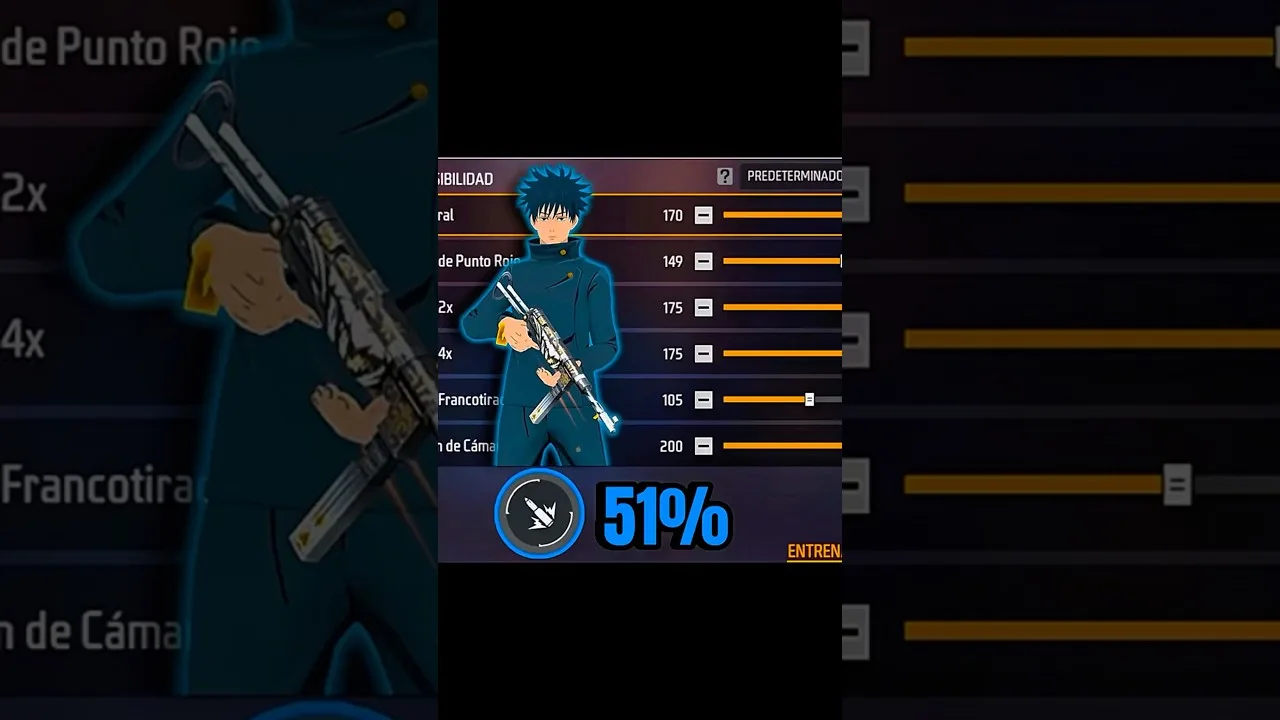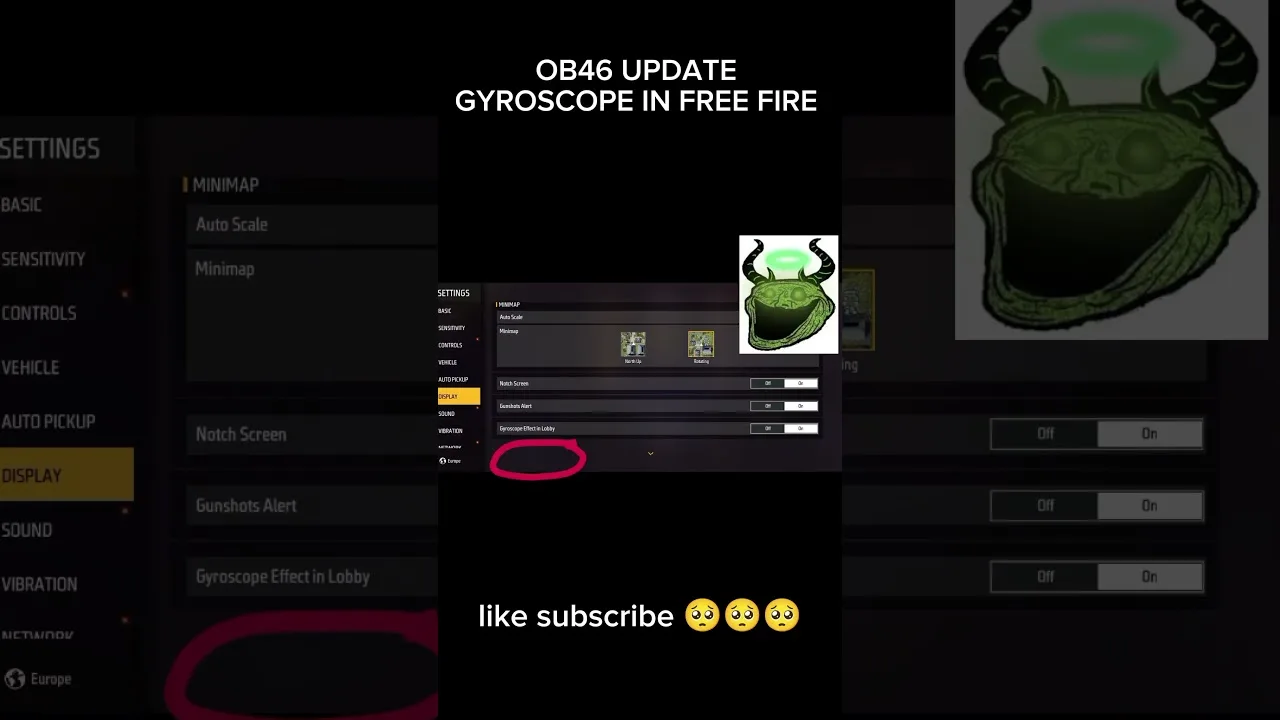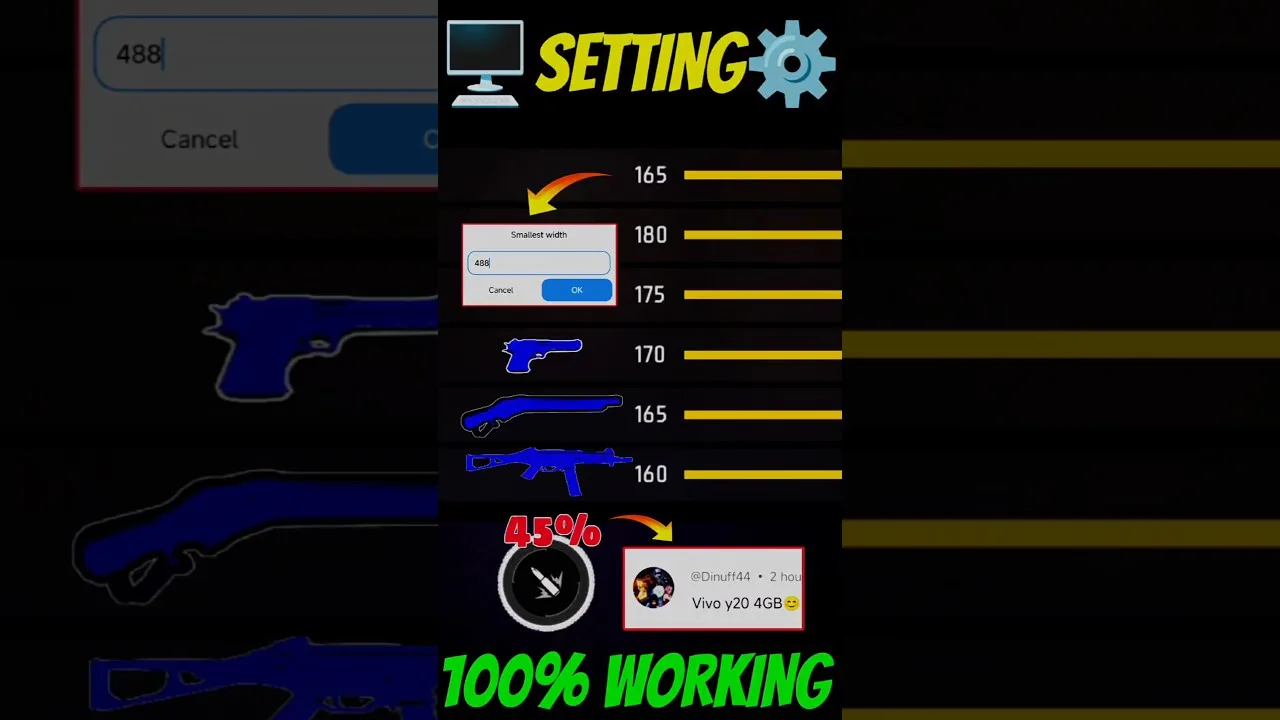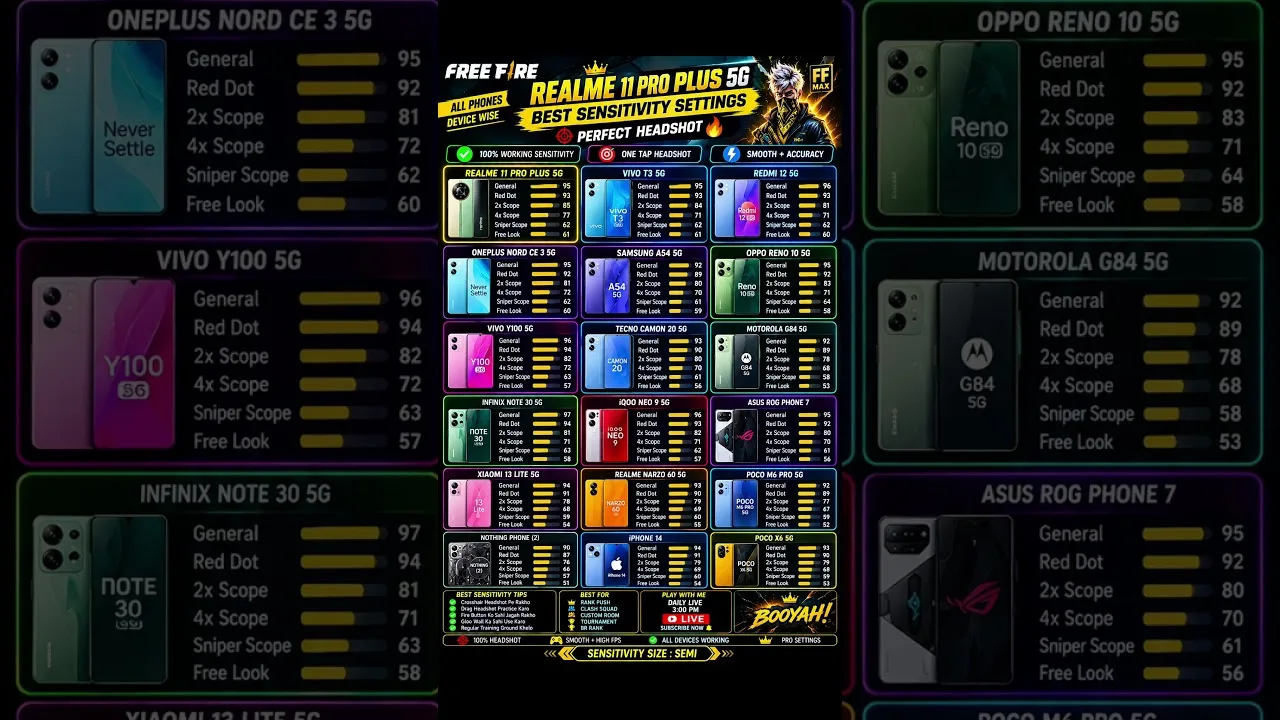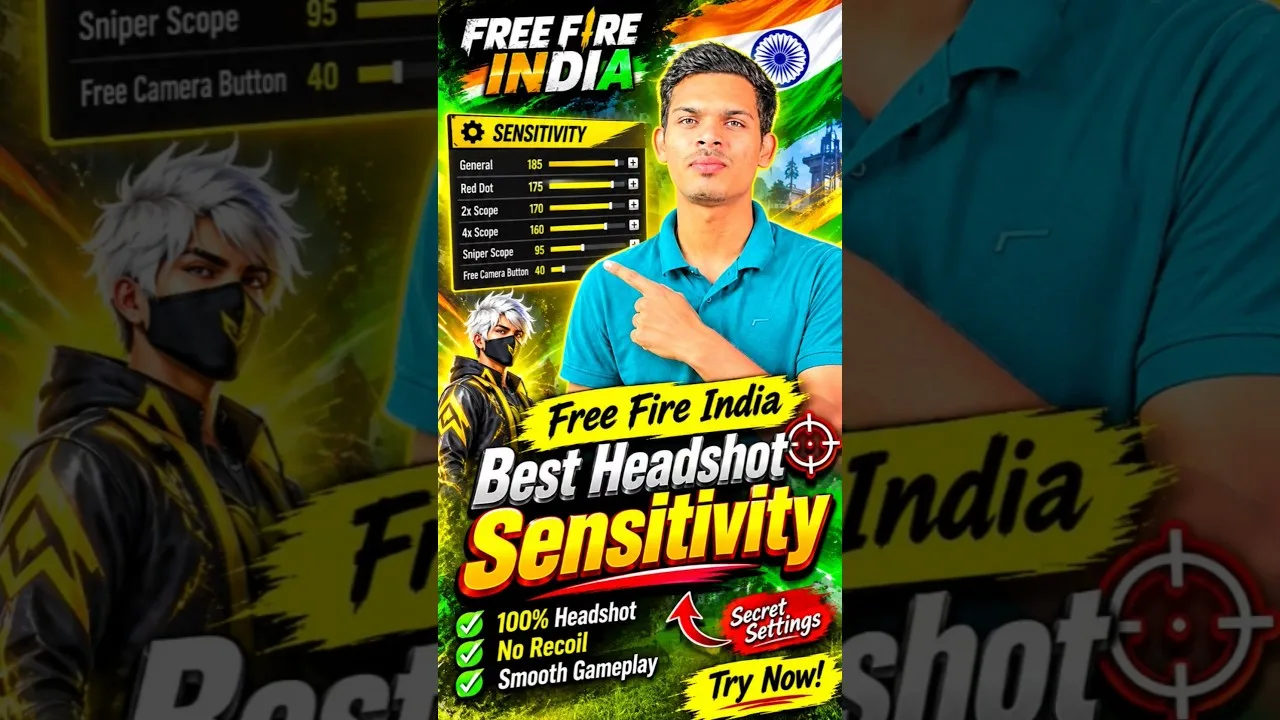
Copying pro sensitivity values is popular because it promises a shortcut: if a top player aims well with those numbers, the reasoning goes, the numbers must be the secret. In reality the values are only one part of that player's system, alongside their phone, DPI, screen size, grip and thousands of hours of practice with exactly that feel.
Borrowed values still have a use when you treat them as a starting point. Load them, compare them with the device-based suggestions in Sensibilidades on Android, and check the Sensibilidades device compatibility guide for your phone class, because the gap between the pro's device and yours decides how much of the setup can transfer unchanged.
What Actually Transfers and What Does Not
The structure of a pro setup transfers well: the relationship between general, red dot and scope values, and which sliders the player keeps calmer or faster, teaches you how a balanced setup is shaped. The exact numbers transfer poorly, because they were tuned for a different screen, touch panel and pair of hands.
Also remember that shared screenshots rarely include the full system. DPI, fire button size and position, and graphics settings are usually missing, yet each of them changes how the visible numbers behave. Copying an incomplete setup and judging it harshly after one match tells you nothing about the pro's real configuration or about your own needs.
Adjusting Borrowed Values to Your Device
Start by scaling, not copying blindly. If your screen is smaller or your phone's touch response is slower than the pro's device, expect to nudge values rather than adopt them whole. Apply the borrowed set, then run fixed drills and adjust the general value first, since it is the base; most borrowed setups only need the base and red dot corrected to feel right on new hardware.
Keep your own previous setup recorded before overwriting anything. Borrowed values should have to beat your proven setup in the same drills to earn adoption. That rule protects you from the common cycle of abandoning a good personal setup for a famous one, struggling, and then having no record of the values that actually worked for you.
Testing Borrowed Values Fairly
Give any borrowed setup the same structured test you would give your own: turning, tracking, drag and spray drills, in that order, with notes. The routine in finding your sensitivity in training mode guide works unchanged for this job and stops you from judging a whole setup by the first fight, which is often decided by positioning or luck rather than aim feel.
Allow an adaptation window. Even a genuinely better setup feels strange for the first sessions because your hands are calibrated to the old one. Judge after several short sessions spread over days, and compare drill scores rather than ranked results, since opponents and lobbies vary far more than your crosshair behaviour does.
When to Keep, Adapt or Walk Away
Keep borrowed values that match or beat your drill scores with only small adjustments; they have proven themselves on your hardware. Adapt setups that feel promising in one area, such as tracking, but fail in another, such as turning; that pattern usually means one slider needs personalising, not that the whole idea was wrong.
Walk away from values that still feel unstable after fair testing and honest adaptation time. A pro's numbers serve the pro's hands. Your best setup is the one your hands can repeat under pressure, and finding it is a personal process that borrowed values can start but never finish for you.
Putting This Into Practice
Set aside one short session devoted only to borrowed values translated onto your own hardware. Do not chase wins during this session and do not judge the setup by the scoreboard at the end of it. Your only task is to repeat the same movements until they feel ordinary: a pro structure scaled by your screen, your DPI and your own thumb speed. When a movement starts to feel ordinary, that is useful information, because ordinary means your hands have stopped negotiating with the setting and have started trusting it. Write down what felt easier and what still felt awkward while the session is fresh, using plain words you will understand when you read the note again next week.
Next, carry the same focus into two or three normal matches without changing anything, even if the first match goes badly. A setup for borrowed values translated onto your own hardware has to survive different maps, different weapons and the small panic that arrives when a fight starts closer than expected. If it only works in a quiet training room, it is not finished yet, and the honest response is one small adjustment followed by the same test again, not a full rebuild. If it works across those matches, protect it: record the values, leave them alone for several days, and let repetition turn a good test result into dependable muscle memory you can rely on under pressure.
Finally, review the result at the end of the week rather than at the end of a single evening. Ask one simple question: did borrowed values translated onto your own hardware feel more predictable than it did seven days ago? Predictable is the right standard, because competitive aim is built on movements you can repeat when tired, rushed or surprised. If the answer is yes, keep the setup and move your attention to the next weakest part of your game. If the answer is no, change the one value most closely connected to the problem, by the smallest step you can feel, and repeat the weekly cycle with the same patience.
Final Thoughts
Use pro sensitivity values as a map, not as a destination. Their structure can teach you balance, their numbers can give you a starting range, and your own drills must make the final decisions for your phone and your grip.
Players who test borrowed setups properly end up with something better than either source: a setup shaped by expert structure and proven by personal evidence.